Running a Palm Oracle stand
Stand mode turns one Meta Quest 3 or 3S into a fortune telling booth for fun events. Each guest shows the oracle a palm, hears two of their lines read, and gets a future card with a number they keep. It takes about a minute, and nothing about the guest is kept or sent, except the card itself.
Before the event
- Print the poster below and put it up at the stand. Its QR code takes guests to the card page.
- In the headset: open Palm Oracle, go to Settings, More, Stand mode, Turn on. The stand check page shows the camera, the hands, the battery and whether cards can be sent.
- Use Wi-Fi if you can: cards made offline wait in the headset and are sent once it is back online.
- Ages 10 and up (Meta's rule for Quest). Clear the floor around the guest, and show them how to wear the headset safely.
Each guest
- Put the headset on the guest. They see "What is your future? Show me your palm!"
- They hold up an open hand, palm towards their eyes, over the glowing hand. The panel above shows the reading's progress; when it says Got it they can lower the hand.
- The oracle reads two lines and reveals their future card: Rare, Epic or Legendary.
- The last page shows their card number and says it twice. They remember it.
- Take the headset off: the next guest starts fresh. The three dots on the title page open the stand check.
Where guests see their card
On their phone, by scanning the poster's QR code, or by going to this address and typing their number. They can save the card or share it.
palm-oracle.tomerregev.workers.dev/cCards stay there for 30 days. A card holds no name, no photo and no palm: only the future, its stats, the rarity, a lucky number and the date.
The poster
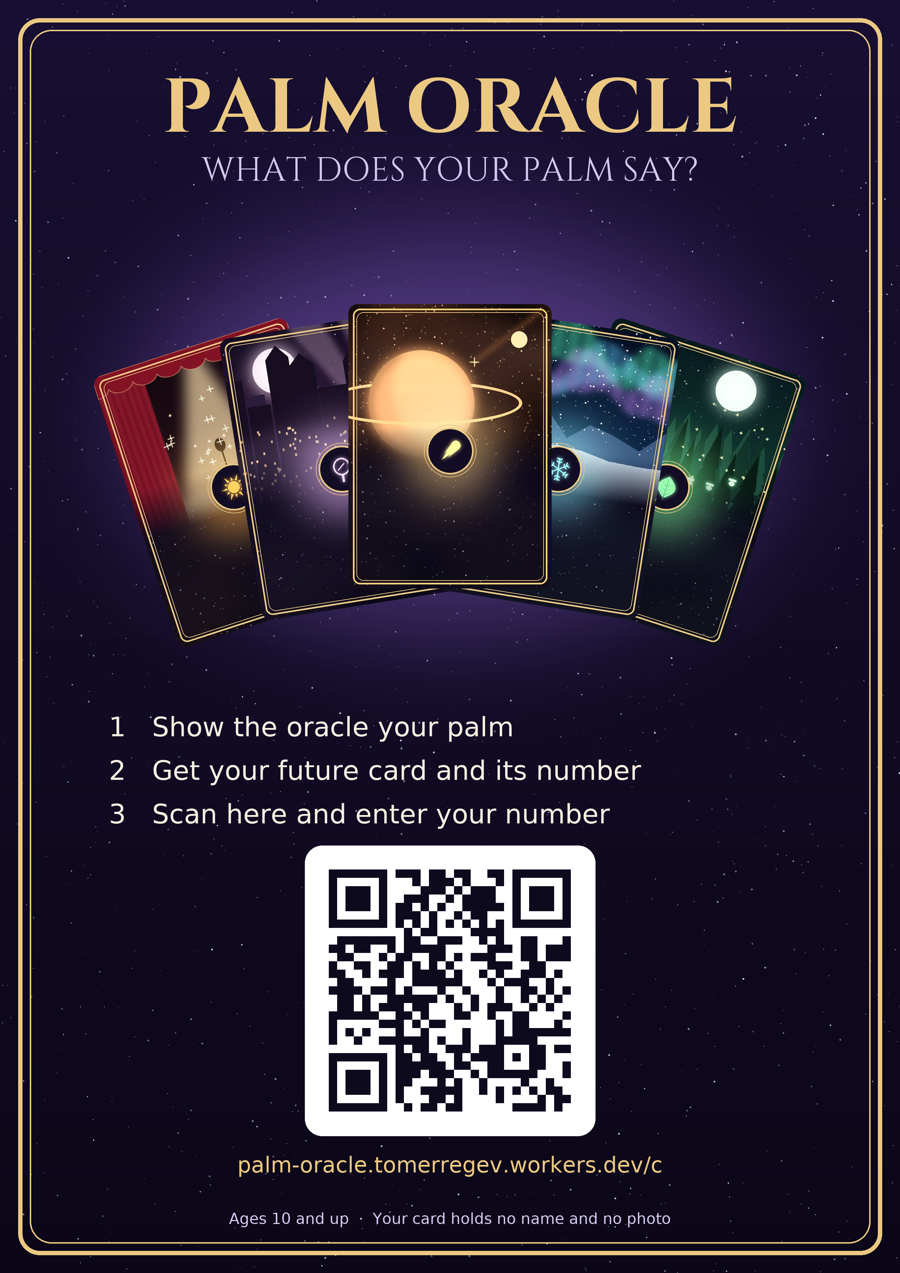
A4, ready to print, with the QR code to the card page and the three steps for guests.
Download the poster (PDF)Privacy: palm-oracle.tomerregev.workers.dev/palmoracle/privacy.html